Ready when
you are.
Sign in, take a photo and let AI help with your next listing.
Use the private password set up for The Embroidery Box.
We’ll do
the writing.
Reading the product code and design from your photos…
Keep this page open. Your photos are sent to OpenAI to create the draft.
From photo
to ready to sell.
Take a picture of your kit. AI reads the product code, writes your listing and prepares three high-quality listing images.
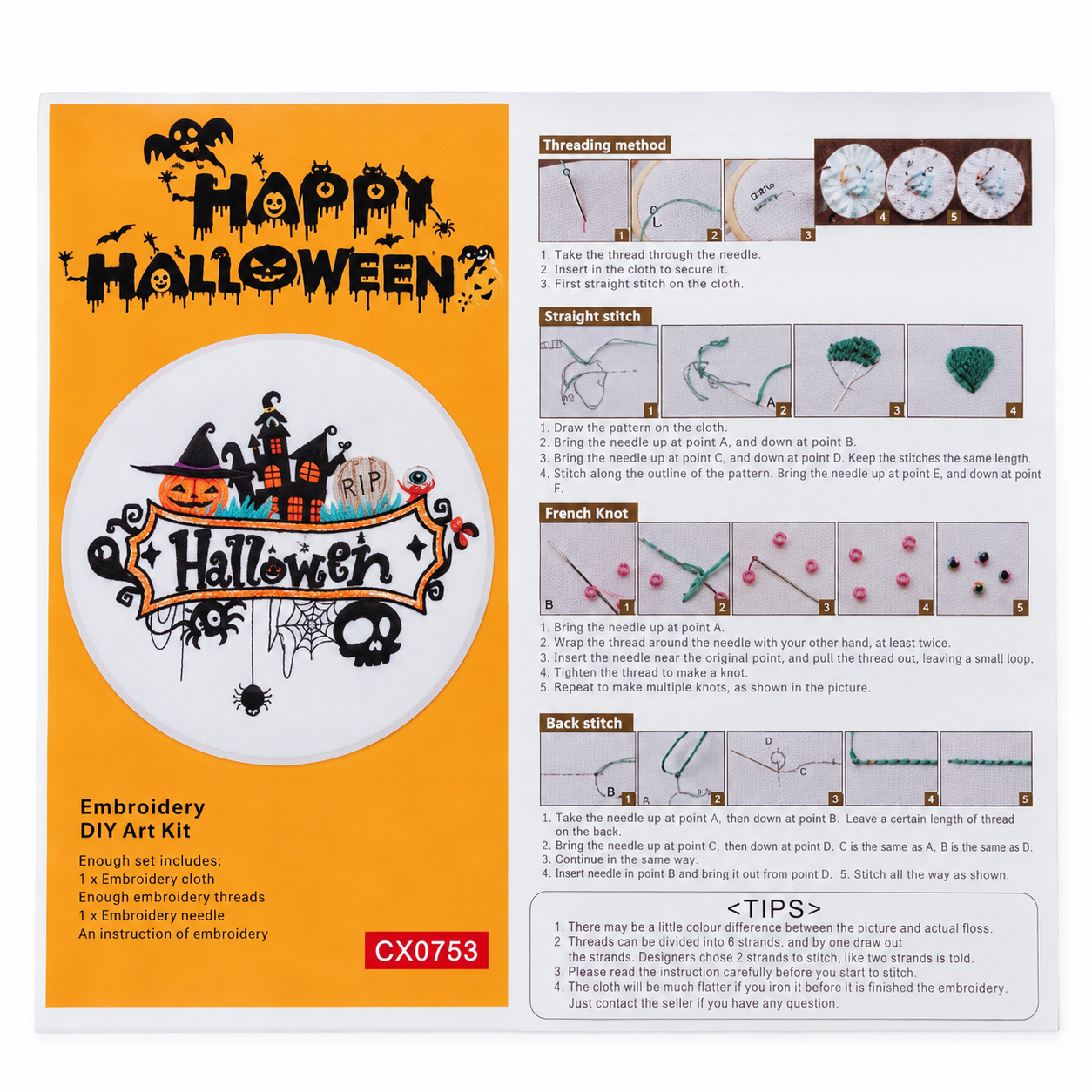 CX0753 · Sample
Your drafts
0 draftsA fresh start. Your saved listings will appear here.
Let’s see your kit.
Keep the whole design and the CX product code in the picture.
Use natural light, lay the kit flat and avoid glare. Include the contents if you can.
A little final check.
Make sure the image and details match the kit you’re selling.
Tap a thumbnail to choose the main image. Compare the AI image with your original; confirm that it matches the design. Finished-design previews illustrate what the DIY kit can make.
Your listing
is ready.
It’s saved in your studio database. Open it from any signed-in phone. When eBay is connected, this step will publish the listing after your final check.